 Free Bubble Letters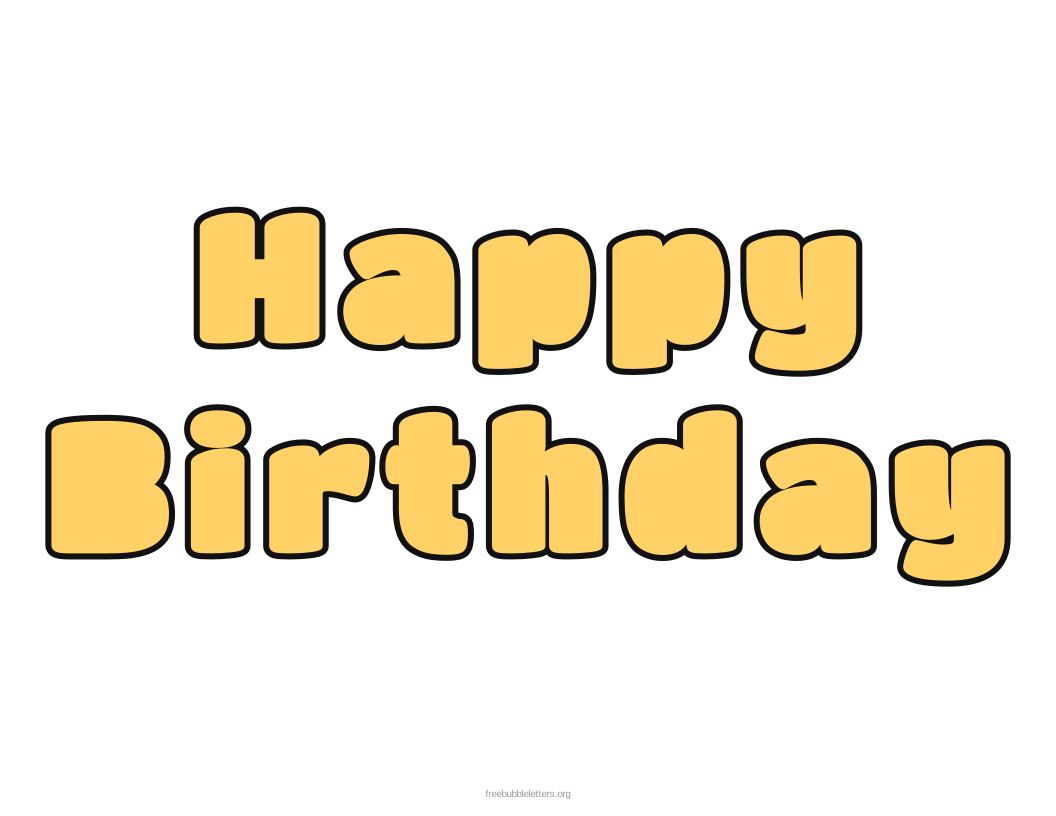
Add the birthday person’s name — for example “Happy Birthday Emma” — and the generator re-arranges the words to fill the page. For a banner, switch to one letter per page.
Ideas for your bubble letters
- Birthday party banners and bunting
- Door and wall signs
- Handmade birthday cards and posters
- Classroom birthday boards
How to print
- Type your text (or keep the letter shown) and choose a bubble font.
- Pick "One letter per page" for banners, or "Fit on one page" for a name or message.
- Click Download PDF and print at 100% / Actual size.
Bubble letters for every occasion
Bubble letters A to Z
Frequently asked questions
How do I make a banner with one letter per page?
Set "Layout" to "One letter per page" and download the PDF. Print, color and cut out each letter, then punch two holes at the top and thread them onto a ribbon or string.
Can I add a name to the birthday bubble letters?
Yes. Type “Happy Birthday” followed by the name. Long names are automatically moved to their own line so the letters stay as big as possible.
How big will the letters be?
In one-letter-per-page mode each letter fills most of a US Letter or A4 page — about 7 to 9 inches tall.